
13th Jan, 2020: Shruti Maliwar
Adobe Indesign is a part of Adobe Creative Cloud. This software application helps in creating magazines, newspapers, books and brochures. By using the different tools available to us, we can create exceptional work.
The options available on Indesign make it easier to work with. It is also easy to handle the different tools and put them to use. As we went through the different tools on Indesign, we understood the various functions of those and how we could also put it to alternative uses. There were also many similarities between the tools of Indesign and Photoshop and Illustrator.
Document Setup helped us to create the documents in our desired manner but in a proper format. We were also taught to keep working with the ‘master pages’ since it makes our work easier and also helps in assigning a correct pattern. We also made use of tools such as the Type tool, Frame tool, Shape tool, Pen tool and the two selection tools. All these tools when put together, can make our work much faster and convenient.

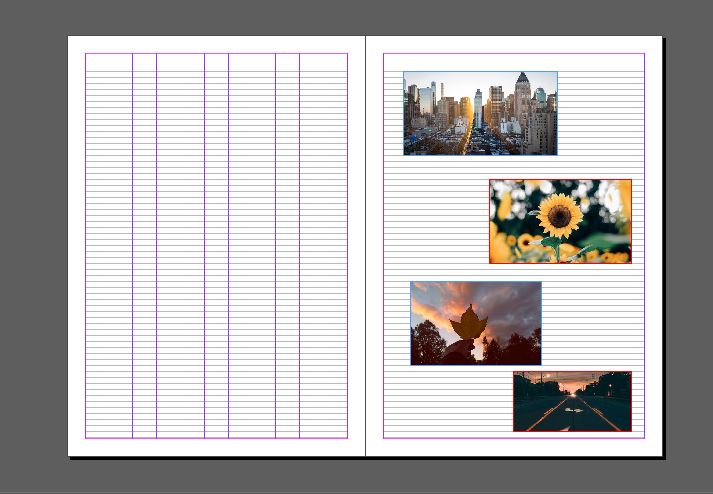
The different techniques of including images into Indesign helped in understanding the way the software works. It was vital to understand that Indesign worked with ‘Links’ so the images had to be included accordingly by making proper changes. It was also important to know that any changes in the saved image could change the image in our document too.
Apart from this, we also taught to place multiple images at once and the proper way to arrange them.


Learning the basics of Indesign gave us an insight of how we could make use of the right tools to create a proper document and also the right technique that had to be used.

 The Idealist