
10th Feb, 2020: Shruti Maliwar
In Indesign, the text can either fit in one box or can be continued by linking it to another column, creating a flow of text between two columns. This is known as Column Linking. This is very effective when a lot of text is involved in the layout and all of it cannot possibly fit in one box.
Getting an understanding of this tool helped me in developing my Seminar Booklet in a better way. I could include the text in a better format and arrange it in a way that it was visually appealing. Also it helped me to fit all text at once.
The new layout after using Column Links:

Print settings are the most important thing in Indesign. These have to be always adjusted in a proper manner. These settings determine how the booklet is going to appear, once printed. An overview of these settings helped us in understanding the various conditions that have to be kept in mind while getting it printed and also how they would affect the appearance of the booklet.
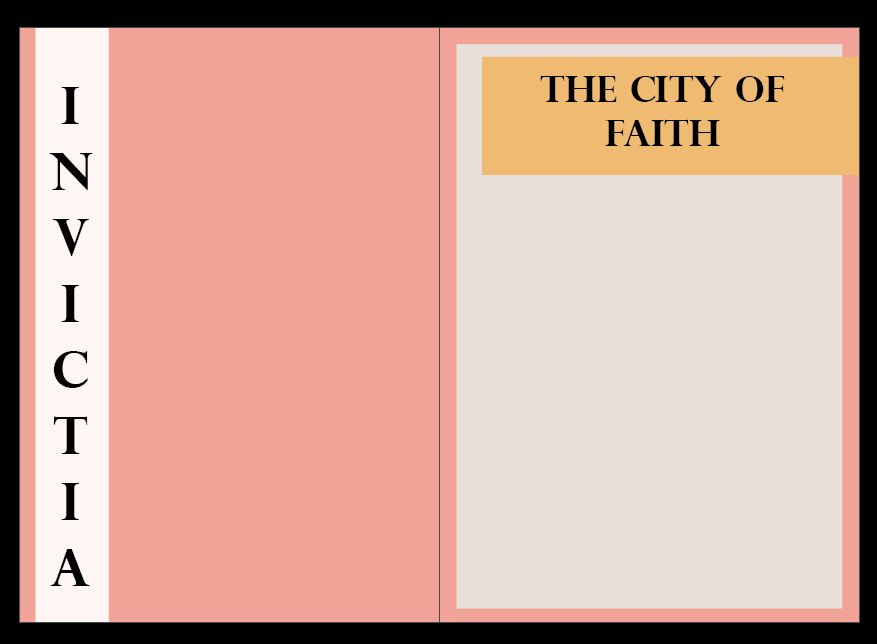
Finally, on basis of the feedback received on my booklet, I made some changes in the placement of different elements in my booklet. I tried to add some more details to it. Changes such as the font type, font size and colour as well, gave it a much better look.
These were some of the colour and font changes made by me:


Lastly, I also added a page for mentioning a short description about my booklet with a supporting image. This also gave the reader a gist of what the book was about and how the stories went about.
The description page


 The Idealist