
WEEK 1: 30th Aug, 2019 : Prasad Sir
How can we distinguish ‘RASTERS’ from ‘VECTORS’? Well, Rasters are composed of pixels whereas Vectors are composed of paths. Both have their own advantages and drawbacks, but are equally useful when it comes to graphics. A debate in the class helped us understand the concept in depth.
In the picture shown below, Rasters and Vectors can be differentiated:

Further, what is RGB and CMYK and how can distinguish them? RGB (Red, Green, Blue) is used in Web Design whereas on the other hand, CMYK (Cyan, Magenta, Yellow, Black) is used in Print Design. Again here CMYK is presumed to be more useful than RGB.
ADOBE ILLUSTRATOR
It is a part of Adobe Creative Cloud. This software application helps in creating drawings and illustrations. By using the tools available on this application and by pressing certain keys, exceptional artwork can be created. Illustrator works on Vector Graphics. It is very useful in designing logos, charts, cartoons, diagrams and so on. Learning the basics of illustrator gave us an insight of how a particular tool has to be used to create something. And by using the right tools we can create the perfect composition.
WEEK 2: 6th Aug, 2019 : Prasad Sir
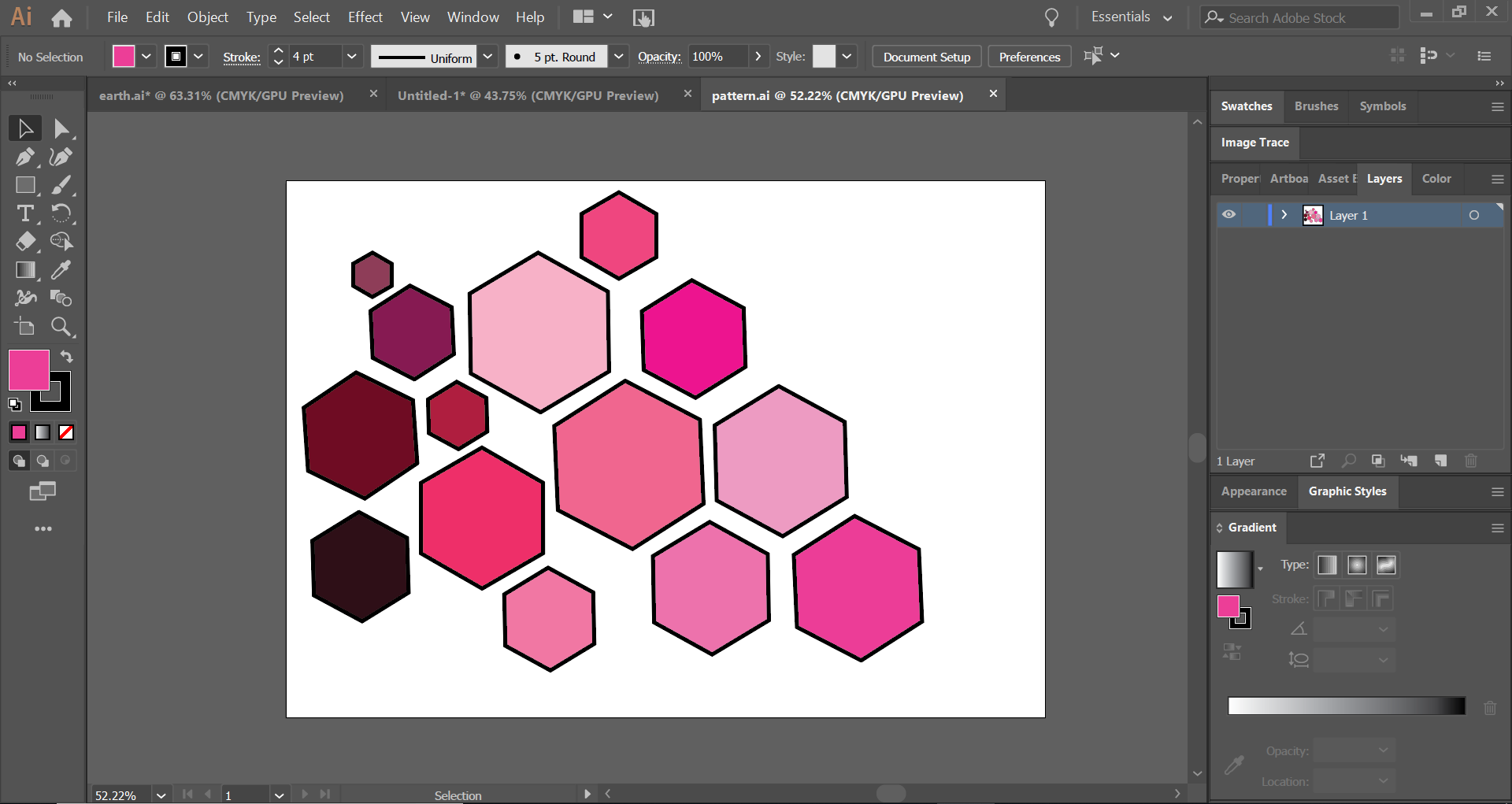
Basic shapes make a huge difference in the final outcome of the` illustration. This lecture was all about the use of basic shapes and their placements to form a meaningful composition.
Now, how can we decide where to place what shape and which colour should be put in? The answer to this is based on Gestalt’s Principles. Gestalts principles state, how we can arrange the different shapes in order to make it look appealing and to give it a meaning at the same time. There are in all six laws under this principle following which, we can give shape to our thought.

We were introduced to the pen tool which helps in drawing lines and curves and the swatches panel, which helps us to choose the perfect colour to form the perfect composition.
The lecture was all about exploring these basic tools of illustrator and coming up with an illustration of our own.

WEEK 3: 13th Aug, 2019: Prasad Sir
The lecture started with the discussion of the posters made by different students. We had to explain our poster and the various Gestalt principles we had used to come up with it.
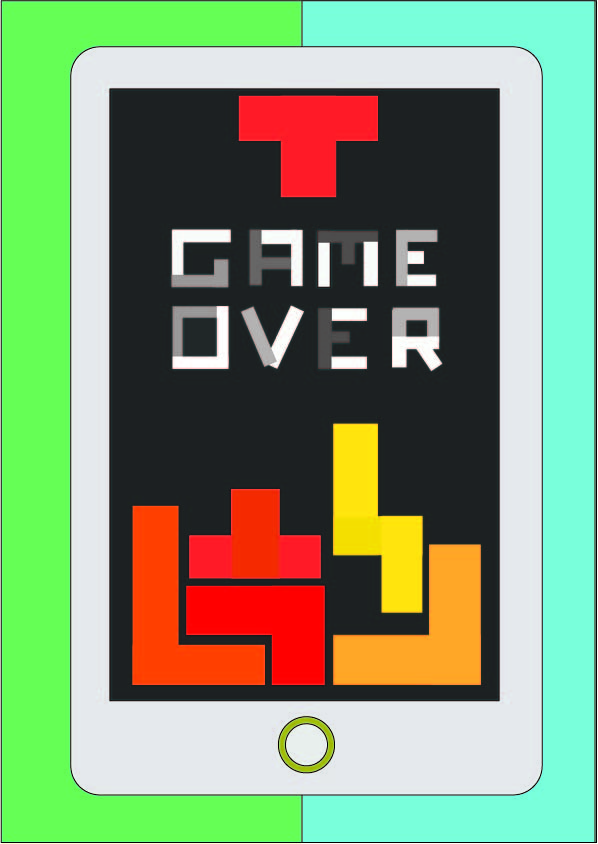
The poster made by me is inspired by the video game ‘Tetris’. The theme behind this poster is to show that Tetris was a game played on a gaming console, so this could be a modernized version of the game on our smart phones. The text ‘Game Over’ is also made up of Tetris blocks.
This lecture was about exploring the different tools of illustrator and how we can group all of these together, in order to get a good composition. We also brushed up on the tools from last week and at the same time, learnt some of the new ones.

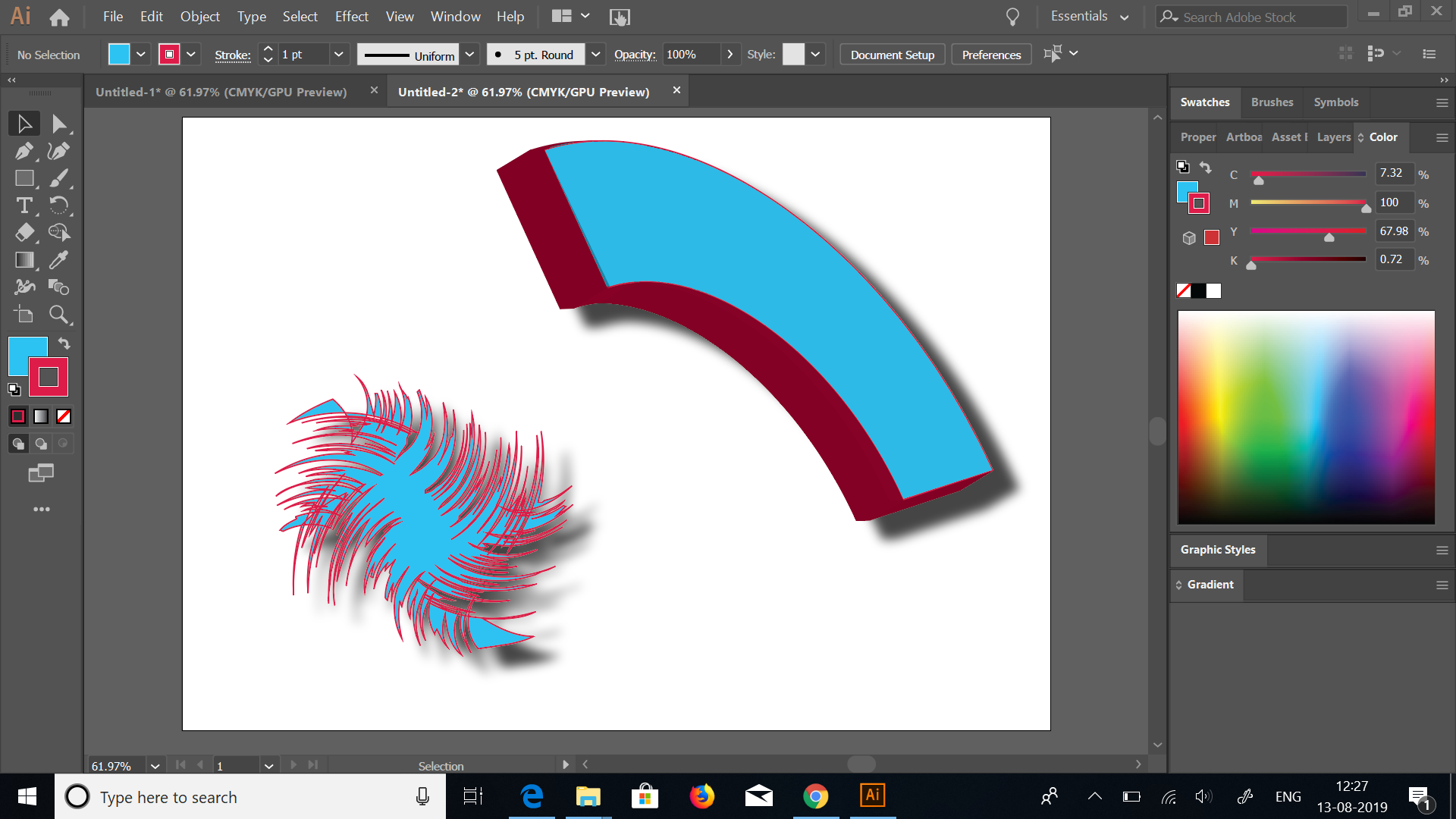
Using different effects on illustrator
WEEK 4: 20th Aug, 2019: Prasad Sir
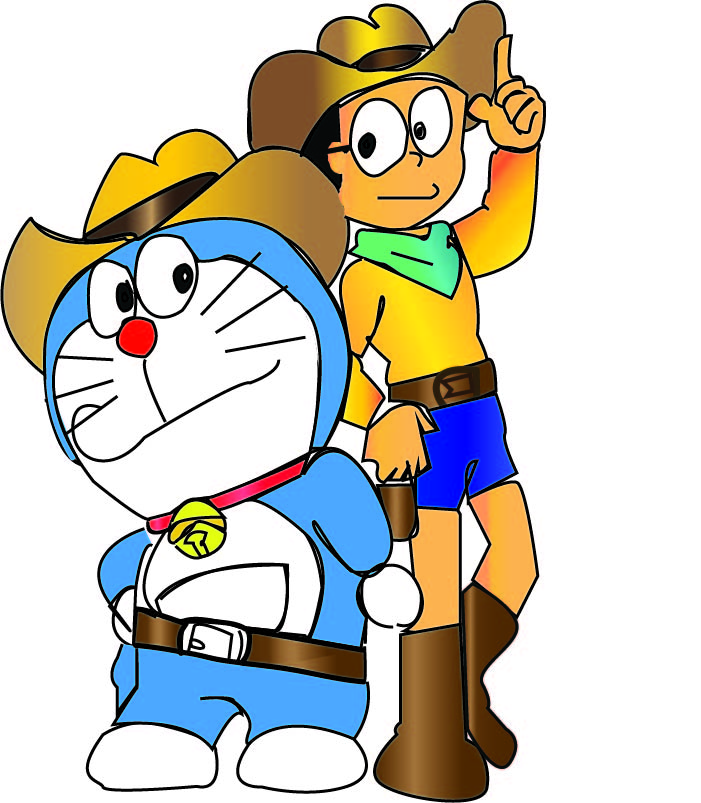
In this lecture, we started off by tracing an animated character using The Pen Tool. This process included a lot of details such as getting the shapes right and the colour had to be accurate.
We learnt about a lot of new tools in this lecture such as the text tool, the clipping mask, image trace and brush tool. We made a few compositions using these tools and tried to explore them.

MADE BY USING CLIPPING MASK 
MADE BY USING IMAGE TRACE
At the end, we had to explain our posters from last week and the elements we had used to make it.
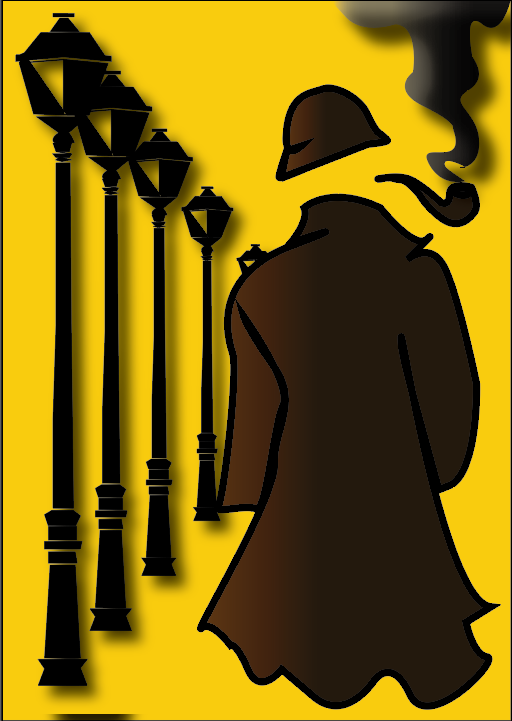
My poster was based on Sherlock Holmes. I tried to create a poster just by using vector images and gradients in places which I found necessary.
WEEK 5: 27th Aug, 2019: Prasad Sir
The tools on illustrator can be used to make very effective artworks. The brush tool was introduced in the lecture which had multiple uses. We created our own brushes using the tool. Also, we explored the different options available to us with ‘image trace’ tool.


The task given to us in this lecture was to come up with a poster using all the tools and effects on illustrator within the time limit of two hours. This helped us to understand the process that should be followed to make the posters and how time can be managed at the same time.
The poster made by me is based on the topic ‘Rains’. It represents the view of rains through a window. The water droplets at the back also represent the drops formed on the window on a rainy day.


